Best IPTV Player Apps for Firestick in the USA
In this guide
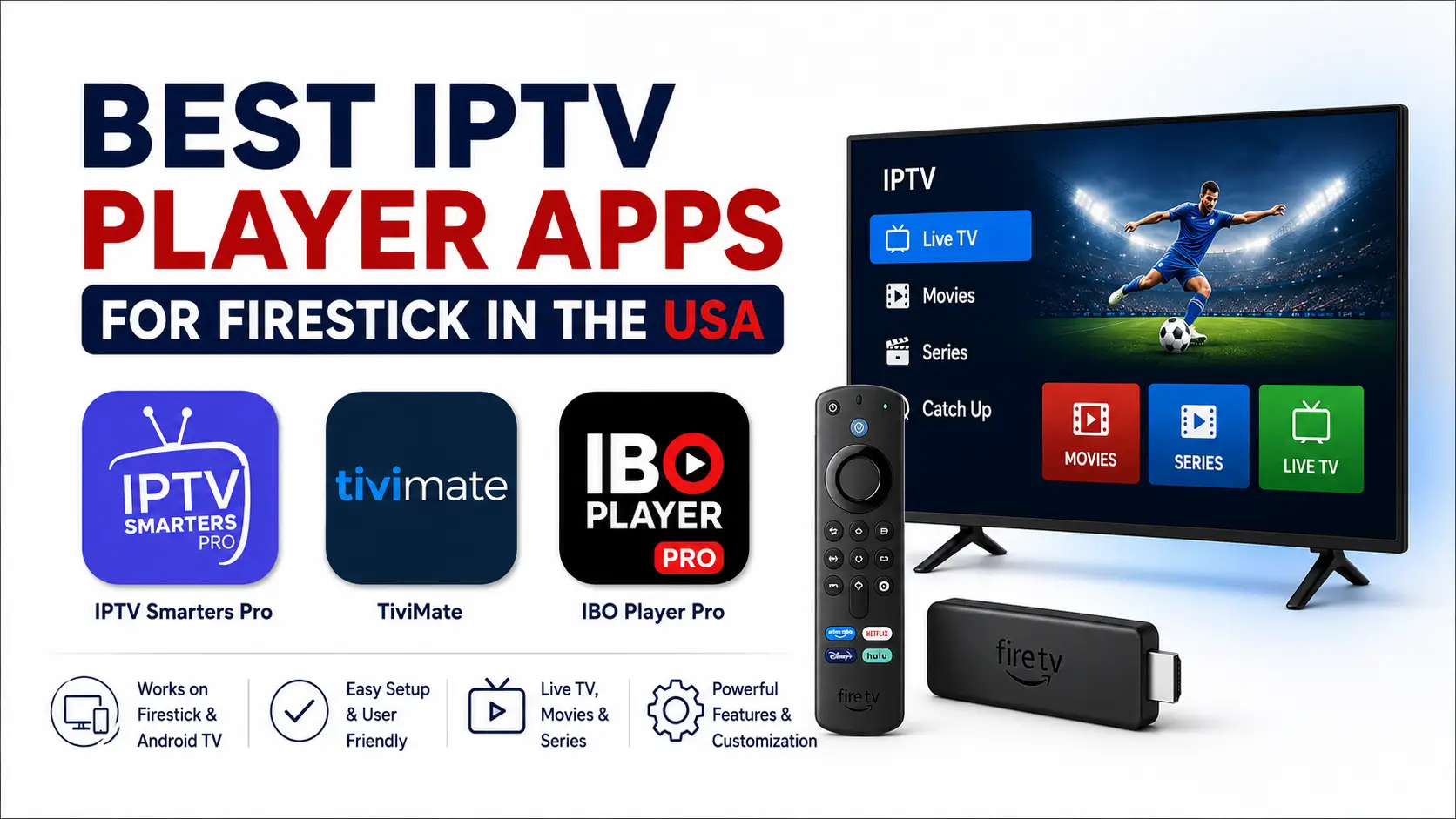
The best IPTV player for Firestick depends on how you prefer to sign in, how much control you want over playlists and the TV guide, and whether you want a free or paid app. For most IPTVSMARTERZ customers, the strongest choices are IPTV Smarters Pro for simple setup, TiviMate for advanced TV-style controls, and IBO Player Pro for a clean premium interface.
This comparison is for customers in the United States using a regular Android-based Firestick, Fire TV Stick, or Fire TV Cube. App availability can vary by Fire TV model, region, operating system, and app-store listing.
Important: IPTV players do not include channels, movies, series, or subscriptions. They only play content from login details or playlists supplied separately.
Quick Comparison
| App | Best For | Cost Type | Common Setup Method |
|---|---|---|---|
| IPTV Smarters Pro | Simple setup and familiar menus | Free option | Xtream Codes or M3U |
| TiviMate | Advanced guide, favorites, recording, and customization | Free use with optional Premium features | Xtream Codes, M3U, or supported portal formats |
| IBO Player Pro | Clean premium interface and activation-based setup | Paid app | MAC Address and Device Key activation |
No single player is best for everyone. Choose based on device compatibility, login format, ease of use, and the features you actually need.
1. IPTV Smarters Pro — Best for Simple Setup
IPTV Smarters Pro is a strong starting choice for Firestick users who want a familiar interface and straightforward login. It works well for customers who receive Xtream Codes details containing a server URL, username, and password.
Why Choose IPTV Smarters Pro?
- Simple account setup
- Supports Xtream Codes login
- Supports compatible M3U playlists
- Separate areas for live TV, movies, and series
- Favorites and search
- EPG support when guide data is included
- Free app option
Best For
Choose IPTV Smarters Pro when you want the easiest path from receiving login details to opening the channel categories. It is also useful for customers who prefer the same general interface across different devices.
Possible Limitations
- Less guide customization than TiviMate
- App quality can vary between similarly named copies
- Some features depend on the exact version installed
Use the approved installation path in the IPTVSMARTERZ Firestick setup guide. Avoid random apps using similar Smarters names.
2. TiviMate — Best for Advanced Firestick Users
TiviMate is designed around TV screens and remote-control navigation. It is a strong choice for users who want a detailed TV guide, multiple playlists, advanced favorites, custom groups, recording options, catch-up support when available, parental controls, and multiview.
Why Choose TiviMate?
- Remote-friendly TV interface
- Detailed Electronic Program Guide
- Multiple playlist support
- Favorites and group organization
- Search and channel history
- Recording options on supported setups
- Catch-up support when supplied by the playlist
- Parental controls
- Multiview on supported devices
- Extensive interface customization
Best For
Choose TiviMate when the Firestick is your main television device and you want more control over the guide, groups, favorites, and playback settings.
Possible Limitations
- Many advanced features require TiviMate Premium
- Initial setup offers more options and can feel less simple
- Regular Firestick installation may require a trusted manual installation source
- TiviMate Companion manages Premium activation but is not the viewing app
Read the complete TiviMate Firestick and Android TV guide before installing or activating Premium.
3. IBO Player Pro — Best for a Clean Premium Experience
IBO Player Pro is a premium media player with a clean TV-focused interface. On compatible Firestick devices, setup normally begins by installing the app and locating the displayed MAC Address and Device Key.
Why Choose IBO Player Pro?
- Clean and modern interface
- Designed for TV and remote navigation
- Live TV, movie, and series organization
- Favorites and playlist categories
- EPG compatibility when included
- Simple activation workflow
Best For
Choose IBO Player Pro when you prefer a paid app with a simple activation-based workflow instead of typing long subscription details directly with the remote.
Possible Limitations
- Paid activation required after any trial period
- Availability can vary by Fire TV model and region
- Activation requires the exact MAC Address and Device Key shown by the app
- Do not buy activation before confirming the app is installed and displays both identifiers
IPTVSMARTERZ does not own IBO Player Pro. App payment unlocks the player only and does not include an IPTV subscription.
Which IPTV Player Is Best for You?
Choose IPTV Smarters Pro If:
- You want a free option.
- You want the simplest Xtream Codes login.
- You prefer clear live TV, movies, and series menus.
- You are setting up IPTV for the first time.
Choose TiviMate If:
- You want the strongest TV guide and remote-control experience.
- You use multiple playlists.
- You want advanced favorites, groups, recording, or multiview.
- You are comfortable reviewing more settings.
Choose IBO Player Pro If:
- You prefer a clean premium interface.
- You want activation using MAC Address and Device Key.
- You do not want to type long login details with the Firestick remote.
- The app is available and compatible with your Firestick model.
What Login Format Do You Have?
Before selecting an app, check the subscription details supplied by your provider.
Xtream Codes
Xtream Codes normally includes:
- Server URL
- Username
- Password
IPTV Smarters Pro and TiviMate support this login format.
M3U Playlist
An M3U setup normally uses one complete playlist URL. IPTV Smarters Pro and TiviMate support compatible M3U playlists.
MAC Address and Device Key
IBO Player Pro displays a MAC Address and Device Key inside the app. These values are used to activate and connect the app. Use the values displayed by IBO Player Pro, not the physical Firestick network MAC address.
Regular Fire OS vs Vega OS Firestick
This article focuses on regular Android-based Fire OS devices. Vega OS Fire TV Stick models use a different app system and do not support normal Android APK installation.
On Vega OS, an app must be directly available through the supported Amazon app catalog for that model and region. Do not use Android Downloader codes or APK instructions on Vega OS.
See the Vega OS Fire TV Stick setup guide before choosing an app for that device.
How to Avoid Fake or Unsafe IPTV Player Apps
Many apps use similar names, icons, and descriptions. Install only the expected app from a trusted source.
- Use the IPTVSMARTERZ setup guide.
- Confirm the exact app name and developer when available.
- Avoid cracked or “Premium unlocked” APK files.
- Avoid random download links from social media or unknown websites.
- Do not enter IPTV credentials into an app you cannot verify.
- Delete downloaded APK files after installation to free storage.
Does the IPTV Player Affect Buffering?
A player can affect decoding, cache, channel switching, and compatibility, but it cannot repair every network or source problem. If all players buffer, check the Firestick, Wi-Fi, router, internet-provider route, and subscription status.
Use the Firestick buffering and IPTV troubleshooting guide for step-by-step checks.
Do These Apps Include U.S. Channels?
No. IPTV Smarters Pro, TiviMate, and IBO Player Pro are media players only. They do not include ESPN, CBS, NBC, FOX, NFL, NBA, MLB, NHL, movies, series, or any other content.
Available channel categories depend on the separate subscription and package connected to the app. Review the IPTVSMARTERZ channel categories for current service information. Availability varies by package and region.
IPTVSMARTERZ Recommendation
For the simplest free setup, begin with IPTV Smarters Pro. For the most advanced Firestick guide and customization, choose TiviMate. For a clean paid interface with MAC Address and Device Key activation, choose IBO Player Pro when compatible.
The best app is the one that supports your Firestick model, login format, and preferred way of navigating.
Related IPTVSMARTERZ Resources
Firestick Setup Guide | Vega OS Firestick Guide | TiviMate Guide | IPTV Smarters Pro Guide | Firestick Buffering Fixes | Subscription Plans | Request a Free Trial
Frequently Asked Questions
What is the best free IPTV player for Firestick?
IPTV Smarters Pro is the recommended free starting option for customers who want simple Xtream Codes or M3U setup.
What is the best advanced IPTV player for Firestick?
TiviMate is a strong advanced option because it offers a detailed guide, multiple playlists, favorites, recording options, parental controls, and extensive customization.
Is IBO Player Pro free?
IBO Player Pro is a paid third-party app. Any trial or activation terms depend on the app developer and can change.
Does TiviMate Premium include IPTV channels?
No. TiviMate Premium unlocks app features only. It does not include any channels, streams, movies, series, or IPTV subscription.
Can I use Xtream Codes on Firestick?
Yes. Compatible Firestick players such as IPTV Smarters Pro and TiviMate support Xtream Codes login details.
Can I install these apps on Vega OS Firestick?
Only when the specific app is directly available for that Vega OS model and region through the supported Amazon app catalog. Android APK installation instructions do not apply to Vega OS.
Should I install more than one IPTV player?
One main player is normally enough. A second trusted player can be useful for troubleshooting whether a playback problem comes from the app or from the network or stream.
Do I need a VPN for IPTV on Firestick?
Do not use a VPN by default. Use one only when IPTVSMARTERZ support specifically asks you to test it.
Continue with IPTVSMARTERZ
Ready to start streaming? Choose a plan, request a trial, or follow a setup guide for your device.